No Man's Sky Cosmos: How to Claim a Space Station and Build in Deep Space
Cosmos is No Man's Sky's tenth-anniversary update, released on September 9, 2026 and numbered 7.0. It's the first real overhaul of space itself since launch: for a decade, the gap between planets was mostly a pretty backdrop to fly through, and now it's its own layer of the game, with progression, resource gathering, and social systems attached to it. Hello Games has called station ownership their most requested feature since the game came out.
Three systems carry the whole update: becoming the director of a space station and rebuilding it to your own design, constructing bases directly in open space with no planet underneath them at all, and stripping abandoned ship hulks for salvage. A player-alliance system is wrapped around all of it. What follows goes through each piece in order, with the actual numbers rather than vague descriptions.
Station Directorship: The Real Requirements
Becoming a Station Director isn't a five-minute errand — the game wants proof you're genuinely established in that specific star system. The Station Core tracks four requirements at once, and all four are local to that system rather than tied to your overall galactic standing.
| Requirement | Value |
|---|---|
| Local standing with the system's dominant race | 30 |
| Local standing with the station's Guild | 15 |
| Completed Salvage Contracts | 5 |
| Purchase cost | 1,000,000,000 units |
The detail that trips up even veteran players: standing resets per system. Maxed-out reputation with the Gek somewhere else in the galaxy counts for nothing at a different Gek-controlled station — only what you've built up right there matters. Decide on the system you actually want your station empire to start in before grinding anything, rather than spreading reputation across places you have no intention of returning to.
The fastest way to raise race standing isn't missions, it's gifts: pilots landing at the station sell racial trinkets — Gek Relics, Vy'keen Effigies, Korvax Casings — and buying up a batch to hand out to local NPCs beats chasing one mission at a time. Guild standing moves fastest the same way, by donating valuable trade goods or artifacts to the Guild Envoy rather than working through the ordinary mission rotation.
Abandoned stations can't be claimed through this system at all — directorship only works on active, populated stations. And getting partway through the requirements doesn't reserve the station for you: if someone else finishes their own grind first while you're still working through yours, they can claim it out from under you.
Salvage Contracts
The fifth requirement, Salvage Contracts, is both the longest to finish and the most substantial — it isn't a chore bolted onto the other three, it's a full gameplay loop built around picking through wreckage in open space. Contracts are picked up at the Station Core or at a Deep-Space Outpost, from the salvage and delivery terminal.
Every contract runs the same way: accept it, fly out to the assigned site — usually a hulk or a resource-rich pocket of an asteroid belt — recover the materials it asks for (new resources here include comet dust, distilled ice, reactor cores, and viral hearts), and haul the load back to a Deep-Space Outpost to turn it in. Completing contracts feeds both race and Guild standing at the same time, so it isn't a fourth separate obligation stacked on the other three — it's one trip out that chips away at several requirements at once.
Worth knowing going in: there's a known bug where the completed-contract counter sticks at 4 out of 5 even after a contract is accepted and turned in properly. There's no guaranteed fix, but switching to a fresh batch of contracts from a different landing pad or a different Corvette clears it most often.
What Directorship Actually Gets You
Worth setting expectations correctly here: directorship is building rights and social status, not an income stream. A station doesn't tax other players' trades, doesn't generate passive income, and doesn't hand you control over the system's economy. What you actually get is the right to rebuild the station inside and out, plus the ability to found your own alliance.
Ownership has hard caps: a single save can hold no more than 20 stations (300 total across all 15 save slots), and each new station needs its own reputation and contract grind from zero — nothing carries over from a station you already own elsewhere.
Alliances
Only an active Station Director can found an alliance — the option simply isn't there for anyone else. An alliance gets its own name and banner, visible to other players across the galaxy. Joining someone else's alliance is far simpler: just visit any station it owns.
You can belong to up to three alliances at once, but only one of them — the one set as primary — actually benefits from what you do. The teleporter gives quick access to systems belonging to your alliances, and the leaderboard for the largest and most active alliances is visible right from the Station Core. What moves that ranking is mostly stuff you're already doing anyway: claiming new stations, scanning planets, minerals, and creatures.
Rebuilding the Station: Interior and Exterior
Once you're a director, you get full access to rework the station using the same building tools that already exist for planetary bases — both outside and in. Exterior decoration modules — large pieces visible from orbit that change the station's whole silhouette — unlock through the construction research terminal aboard the Space Anomaly, and some of the rarer ones only come as rewards for deep-space discoveries.
Inside, you can do more than rearrange furniture and clear out existing decor — a dedicated construction area lets you add entirely new rooms onto the main hangar. The station physically grows as you customize it, rather than just getting a fresh coat of paint.
Building in Open Space
The update adds two genuinely different ways to build off a planet, and it's worth deciding upfront which one you actually want — mechanically they aren't the same system.
A sub-orbital base sits high above a planet's surface but stays tied to it — clouds and the planet's own sunset are still part of the view. The old height limit still applies here: roughly 1,040 units. Going over it can look completely fine while you're building, but pieces placed past that ceiling can simply vanish after you save and reload — so it's worth checking your altitude as you build, not after the fact.
A deep-space base is a fully independent structure with no planet underneath it at all. You can anchor it on nothing but empty space, or use a large asteroid as a physical foundation — a lot of the better-looking builds combine both: an asteroid as the structural core, with artificial corridors and platforms built out from it.
Building one requires a Deep-Space Base Computer, deployed straight from your ship's cockpit while sitting in open space. Building the computer itself needs materials that come specifically out of Salvage Contracts: a reactor core, a viral heart, and distilled ice. There's also a hard limit worth knowing: only one uploaded space base per star system per account.
Powering a deep-space base is simpler than a planetary one — Solar Panels and Batteries are usually enough, since there's no day/night cycle out there to work around; the sun just doesn't set. A sub-orbital base is different: if the original Base Computer down on the planet is connected to an electromagnetic hotspot, routing that power up to the station can be more reliable than covering the whole structure in solar panels.
Extra-Vehicular Activity
Leaving your ship in space used to be a Corvette-only privilege. Now the eject button sits in the Quick Menu on any starship — you can spacewalk out at essentially any point in flight. Movement itself got a real overhaul too: full six degrees of freedom, roll included, instead of just drifting forward.
One practical catch: your exosuit's cold protection drains faster than normal out there, unless you happen to be near some other heat source — a glowing ball of gas, for instance. Worth factoring in before a long salvage run, especially if your cold-protection tech isn't fully upgraded.
Space Hulks: Stripping Them for Parts
Hulks are colossal abandoned ship wrecks drifting in open space — different from the old "derelict freighter" content in that they're explored purely through EVA, with no way to land inside and walk around normally. Inside is a maze of rusted compartments and narrow chokepoints, and the whole structure is unstable: strip too much out of it and you risk triggering a meltdown that ends in an explosion.
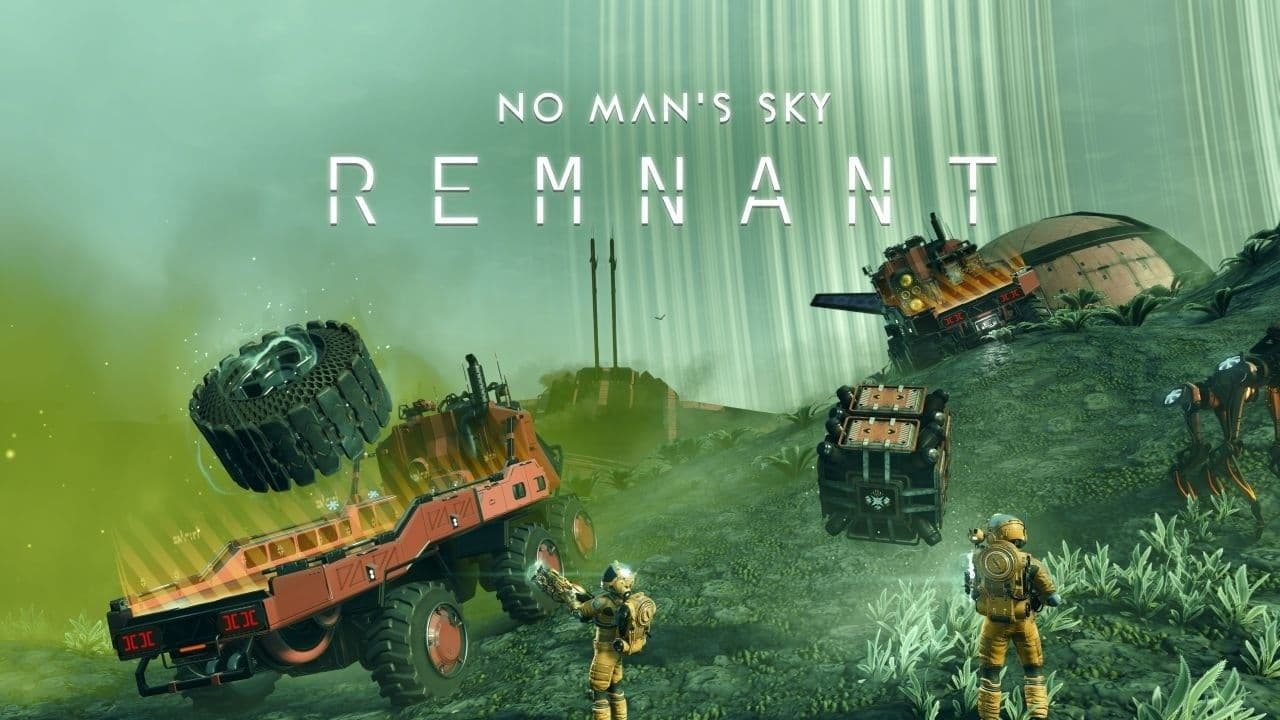
The tool for the job is the Multi-Tool's Gravitino Coil, carried over from the Remnant update — it doesn't mine so much as physically wrench large components loose. Launch the freed pieces toward a Corvette fitted with the Tractor Beam, a new hull attachment that pulls them straight into the hold. The Tractor Beam is sold at any station's Corvette Workshop alongside the ship's other parts, and it only works on a Corvette — a regular starship or freighter has no way to collect physical salvage this way.
The practical rule for hulks is simple: grab the good stuff first, then leave. The more you strip out, the more the structural integrity degrades, and once it goes, the escape window is short. The Tractor Beam also has an emergency dump button that ejects the whole hold in seconds — useful if you've pulled in something useless or outright dangerous and need the space back for the real loot.
Asteroid Belts and Ice Fields
Asteroid belts are another new point of interest — dense clusters of rare minerals and unusual crystals, mineable even with an ordinary Multi-Tool if a Corvette isn't in your budget yet. They also draw a crowd: expect to run into other prospectors, traders, and the occasional pirate, so plan the trip with a fight in mind, not just a mining run.
Ice fields are their own separate location type, carrying resources like stellar ice, and they attract the same mix of miners, traders, and the odd pirate — not exactly the quietest spot for uninterrupted harvesting.
Deep-Space and Infested Outposts
An ordinary Deep-Space Outpost works as a trading and mission hub sitting in open space: an alien quartermaster trades in maps and salvaged materials, and the same salvage-contract terminal mentioned earlier lives here too. This is where loot from hulks and asteroid belts gets hauled to be processed into something more valuable.
Some outposts have been overrun by a spreading biological goop and get flagged separately as infested outposts. Pushing through the viral mass inside also runs through the Gravitino Coil, and the payoff for the risk is pathogen sacs, gelatinous fibres, and other unsettling but valuable samples you won't find anywhere else.
The New Star System Map
The Quick Menu now has an interactive star system map, showing every celestial body, the station, and every new point of interest — down to unidentified signals. Mark a planet or point of interest on it and your ship immediately offers navigational assistance to that target. The map doesn't populate right away, either — points of interest only start appearing once your save has visited the Space Anomaly for the first time, so a completely empty map usually just means that hasn't happened yet, not a bug.
The same update also makes stars physically reachable: a long enough flight gets you to one directly, though there's no upside to arriving — the star is, unsurprisingly, lethal, and flying into one is purely for the screenshot rather than anything you'd want to survive.
Our Journey Continues: The Anniversary Expedition
Running alongside the main update is Expedition Twenty-Three, Our Journey Continues — roughly six weeks long, and built entirely around the game's ten-year history: every milestone in it corresponds to a real past update or moment in the game's life, from the original launch through to Cosmos itself. Each milestone comes with a short developer's note read by Sean Murray himself, and once unlocked it's saved permanently in the Catalogue's Collected Knowledge section, so it's there to revisit any time afterward.
The rewards lean hard into nostalgia: a golden edition of the original Rasamama S36 starter ship, a Diplodocus companion, the vintage Starbound v0.27 Multi-Tool, an early-design Interceptor ship, framed commemorative art built from old update book covers, and a bobblehead astronaut figurine for the ship's cockpit.
A Few Things Worth Knowing
The update itself is large — around 30 gigabytes — and picked up patch 7.01 within a day of release, fixing things like missing station decoration on Korvax-controlled stations and a location that was rendering at an incorrect scale. If something in a fresh Cosmos install looks outright broken, it's worth checking whether 7.01 is actually installed before assuming it's a bigger problem.